
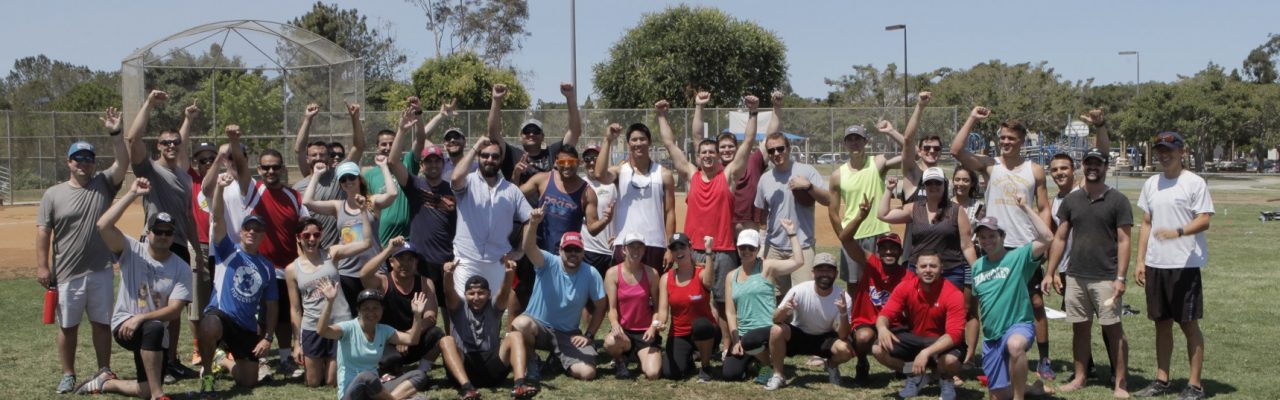
Find upcoming events for NASSCO employees and co-contractors.
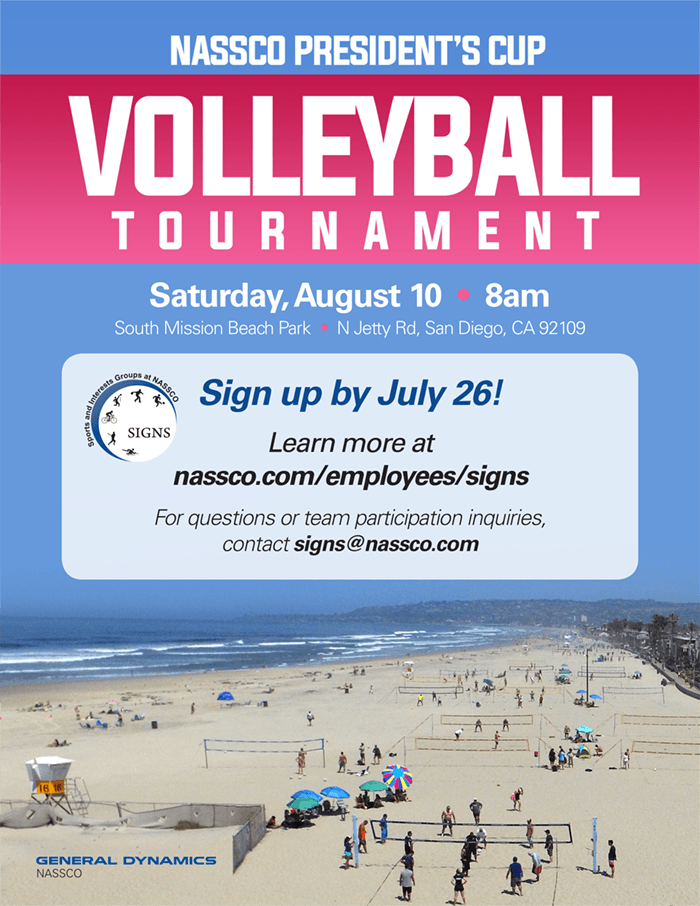
NASSCO President’s Cup Volleyball TournamentSaturday, August 10, 2019 at 8:00amRegister by July 26, 2019Location:South Mission Beach ParkN Jetty Rd.San Diego, CA 92109
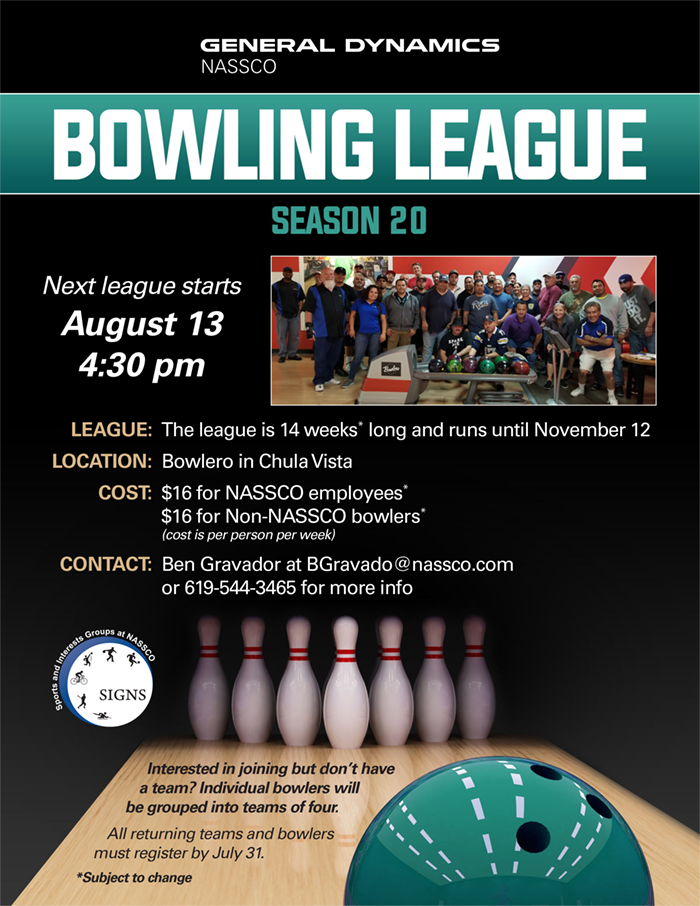
SIGNS Bowling League Season 20Starts August 13, 2019 at 4:30pmThe league is 14 weeks* long and runs until November 12Register by July 31, 2019Location:Bowlero in Chula Vista845 Lazo Ct.Chula Vista, CA 91910
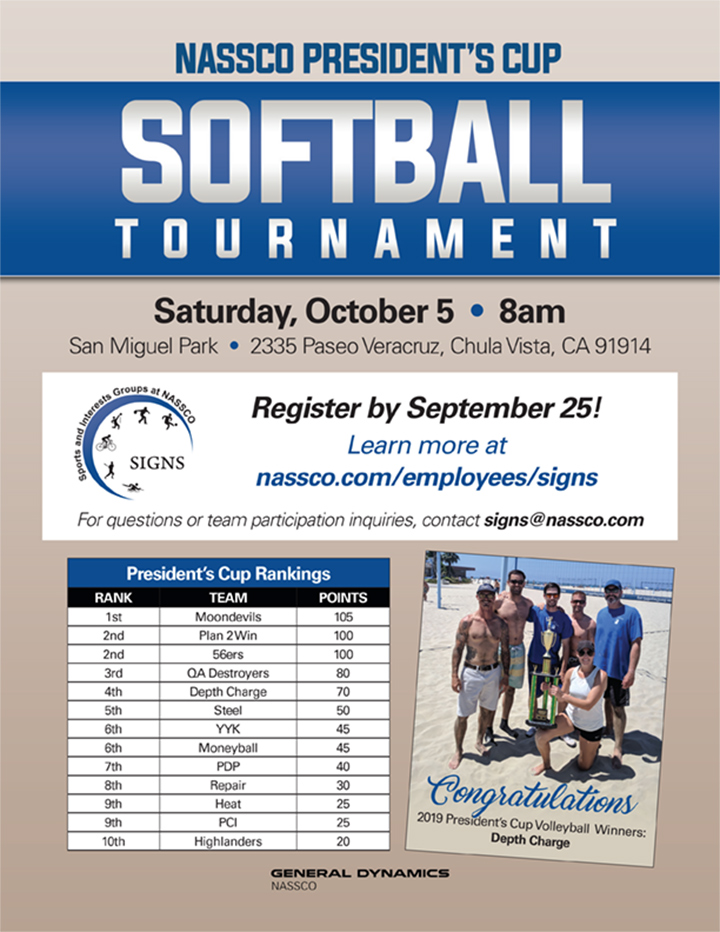
NASSCO President’s Cup Softball Tournament
Saturday, October 5, 2019
8:00am
San Miguel Park
2335 Paseo Veracruz
Chula Vista, CA 91914
Register by September 25!
For questions or team participation inquiries, contact signs@nassco.com.
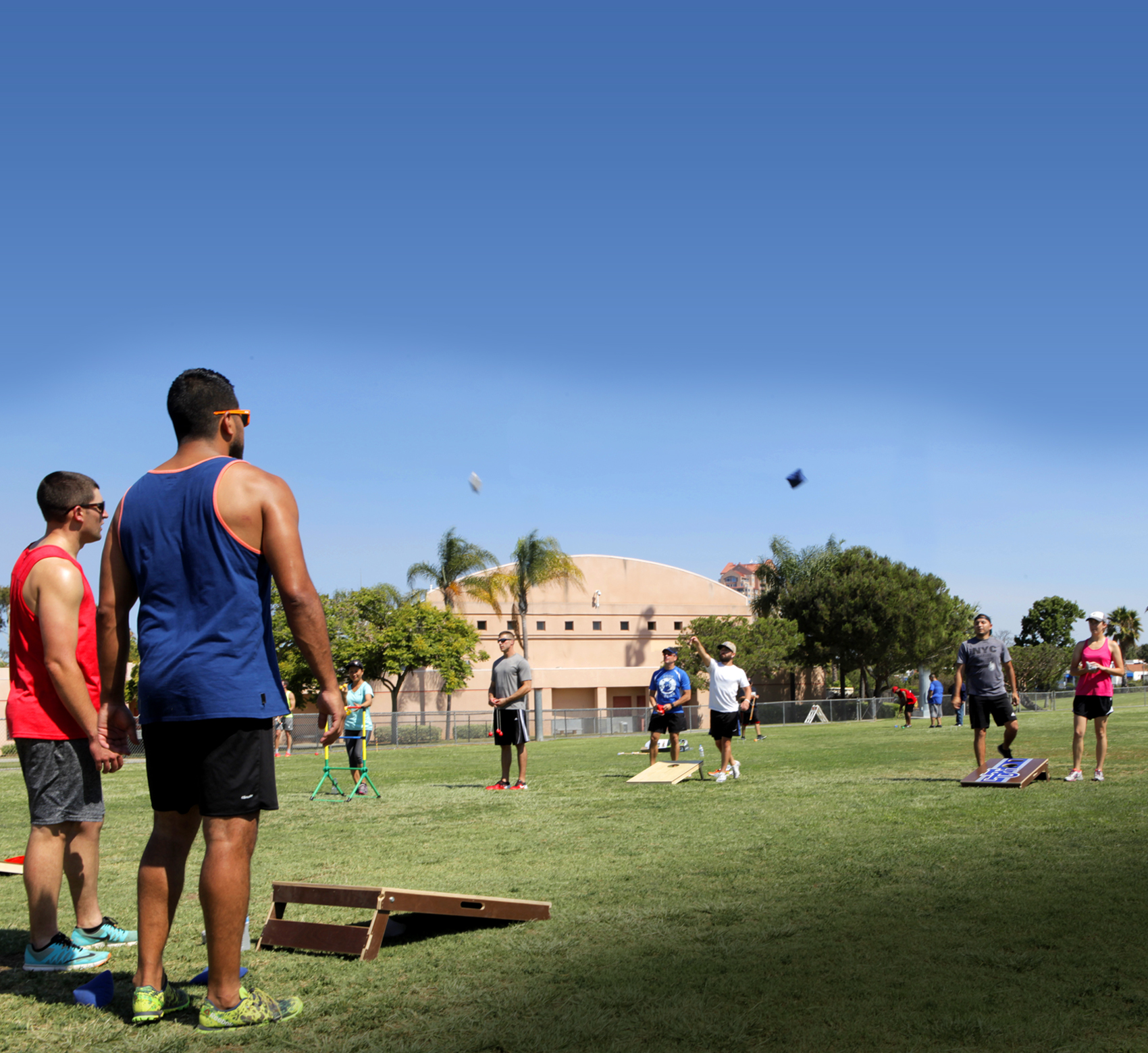 Join your NASSCO teammates for a friendly cornhole competition Saturday, November 16. Registration begins at 8 a.m. RSVP as an individual or team by November 12 using the form below.
Oops! We could not locate your form.
Thanksgiving Day
Day after Thanksgiving
Christmas
New Year’s
SPECIAL SATURDAY EVENT FOR ANNUAL ENROLLMENT
The Benefits office will conduct a special enrollment event on Saturday, November 21, 2020, from 8:00 a.m. to 1:00 p.m. at Building 1. Employees will be assisted on a first-come, first-served basis.
Please be sure to wear your mask or face covering and have your gdbenefits.com username and password ready when visiting the Benefits office.
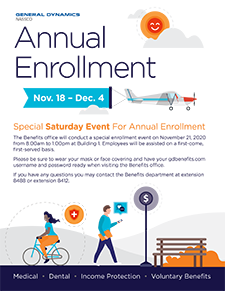
Click here for a pdf of this information.
REMINDERS:
- To enroll, or to reset your username and password for the benefits website, visit www.gdbenefits.com, or call the General Dynamics Service Center at 1-888-432-3633.
- Review your medical and dental plan options carefully to ensure that you and your family are choosing the appropriate coverage for your needs.
- If you need to add dependents under your medical and dental coverage or beneficiaries for your life and accidental death and dismemberment insurance elections, please have their names, dates of birth, addresses and social security numbers ready.
- Spousal Surcharge – If you are covering a spouse under your NASSCO health care coverage, make sure to review and answer the question whether your spouse has available coverage through his or her own employer. Please note the Spousal Surcharge will default to a $25 weekly deduction unless an answer exempting you from the deduction is supplied.
- If you receive a notice from the General Dynamics Service Center to verify the identity of your dependents in the weeks following Annual Enrollment, please send in the required documents before the deadline specified on the letter, to avoid qualified dependents from being dropped from your coverage.
- For Salaried employees, we will not mail an Annual Enrollment guide to your home this year. A copy of the Salaried Employee Annual Enrollment Guide can be accessed from a workstation/laptop connected to the NASSCO network, through the Annual Enrollment Intranet Resource page, https://mynassco/benefits/annual_enrollment/.